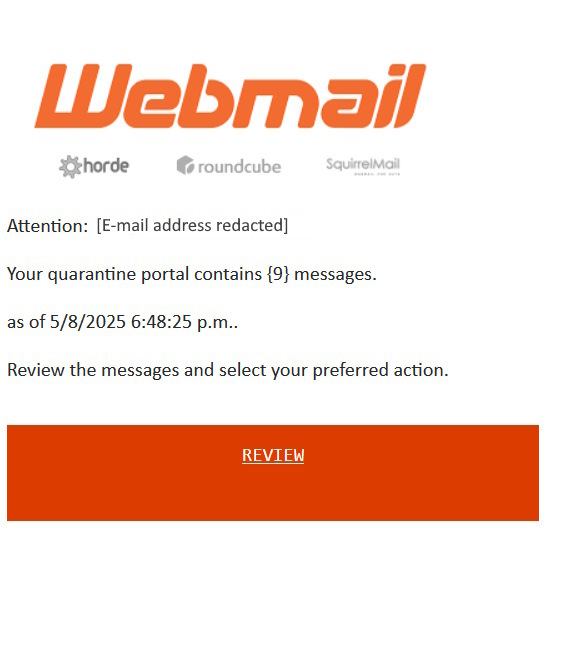
We’ve seen another uptick in the number of clients reaching out to us about emails being received from cPanel about their email accounts require action. In all cases, these emails are phishing attempts in order for you to enter your password so that they can gain access to your email.
While whenever in doubt, please do not hesitate to reach out to us for clarification, but please do not engage with these messages. If you have accidentally provided your password, have your email password changed immediately.
You can also enable 2FA | MFA for webmail, to also provide one additional layer of security:
- Log into webmail either through the cPanel or the Webmail login portal
- From the Webmail management screen (before you access RoundCube), under the header Edit Your Settings, select Two Factor Authentication
- Click on “Setup Two Factor Authentication.”
- Follow the provided instructions to set up Two Factor Authentication with your preferred application.
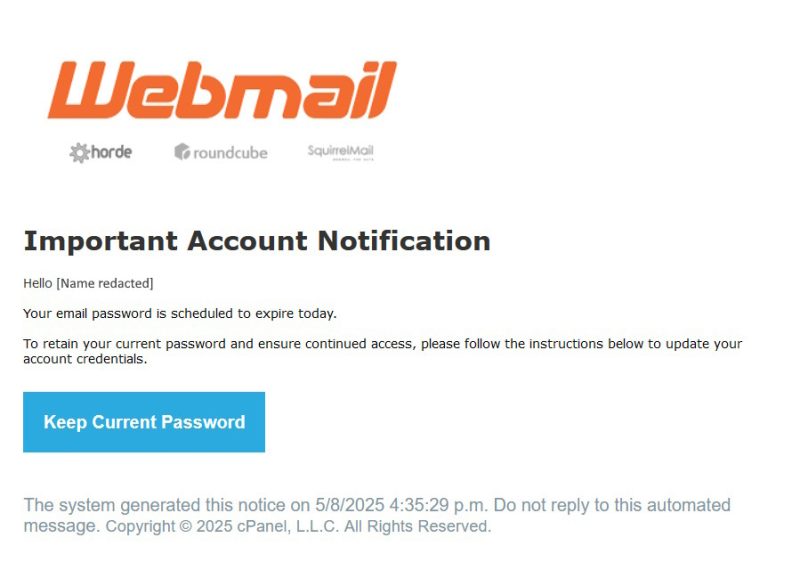
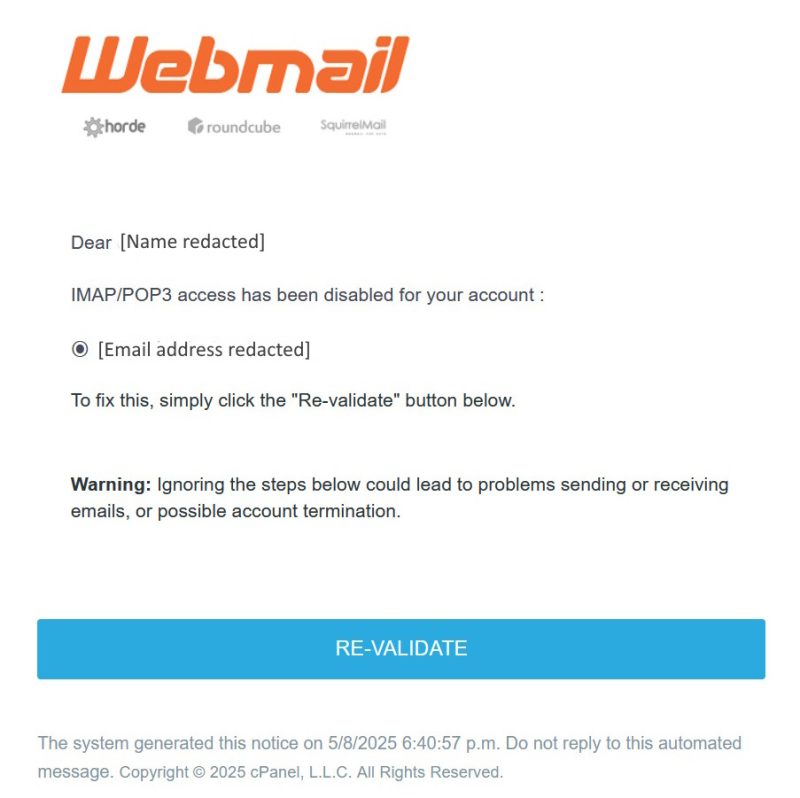
Examples of some of the messages that are being sent:
Subject: Final Reminder: Email Password Expiration Today
Subject: Account Alert: IMAP/POP3 Disabled Re-validation Needed
Subject: Notice: Emails Quarantined Review Needed